What is show archiving for?
If you have finished a show, you can archive it with the "Archive" button on its page: it will disappear from the list shown by default on your My shows page ("All not archived") and will no longer be mixed in with the other shows you are currently watching. To find it again, use the "Series display" filter in the right column and choose "Archived and completed".
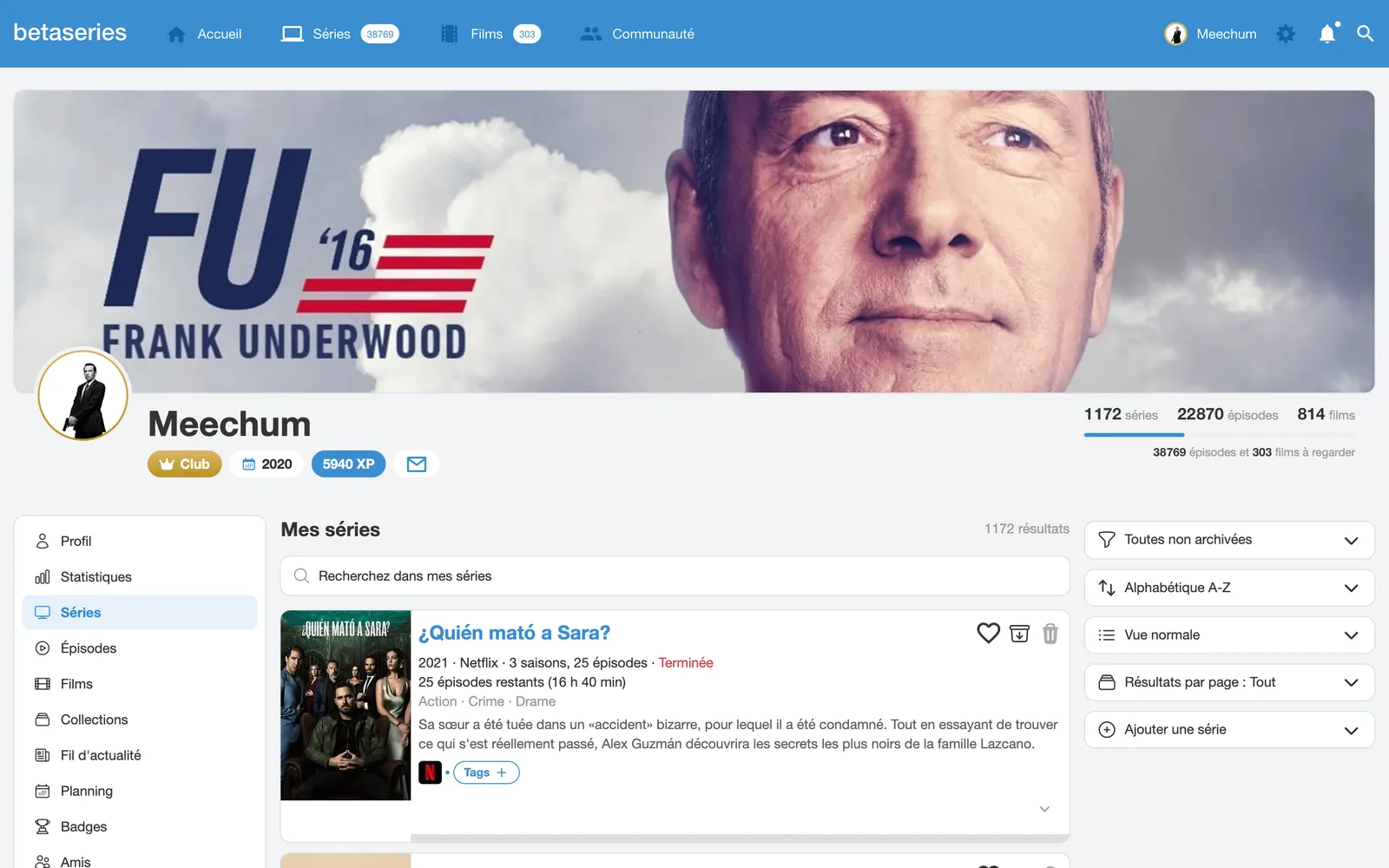
This can also be used to archive an unfinished show so that it no longer appears in your schedule if you decide to stop watching it. In that case, you will find it with the "Archived" filter.
Finally, when you add a show and archive it without starting it, you will find it with the "Archived and not yet started" filter.