Messages
The messaging feature lets you exchange private messages with other BetaSeries members.
Opening your messages
Once you're logged in, open your profile menu (your avatar at the top of the page) and click Messages, or go directly to https://www.betaseries.com/messages/. The Messages entry is also available in your profile's side menu. In both places, a counter shows the number of unread messages.
The Inbox lists your conversations: those with unread messages are marked with a dot. Click a conversation to read it and reply.
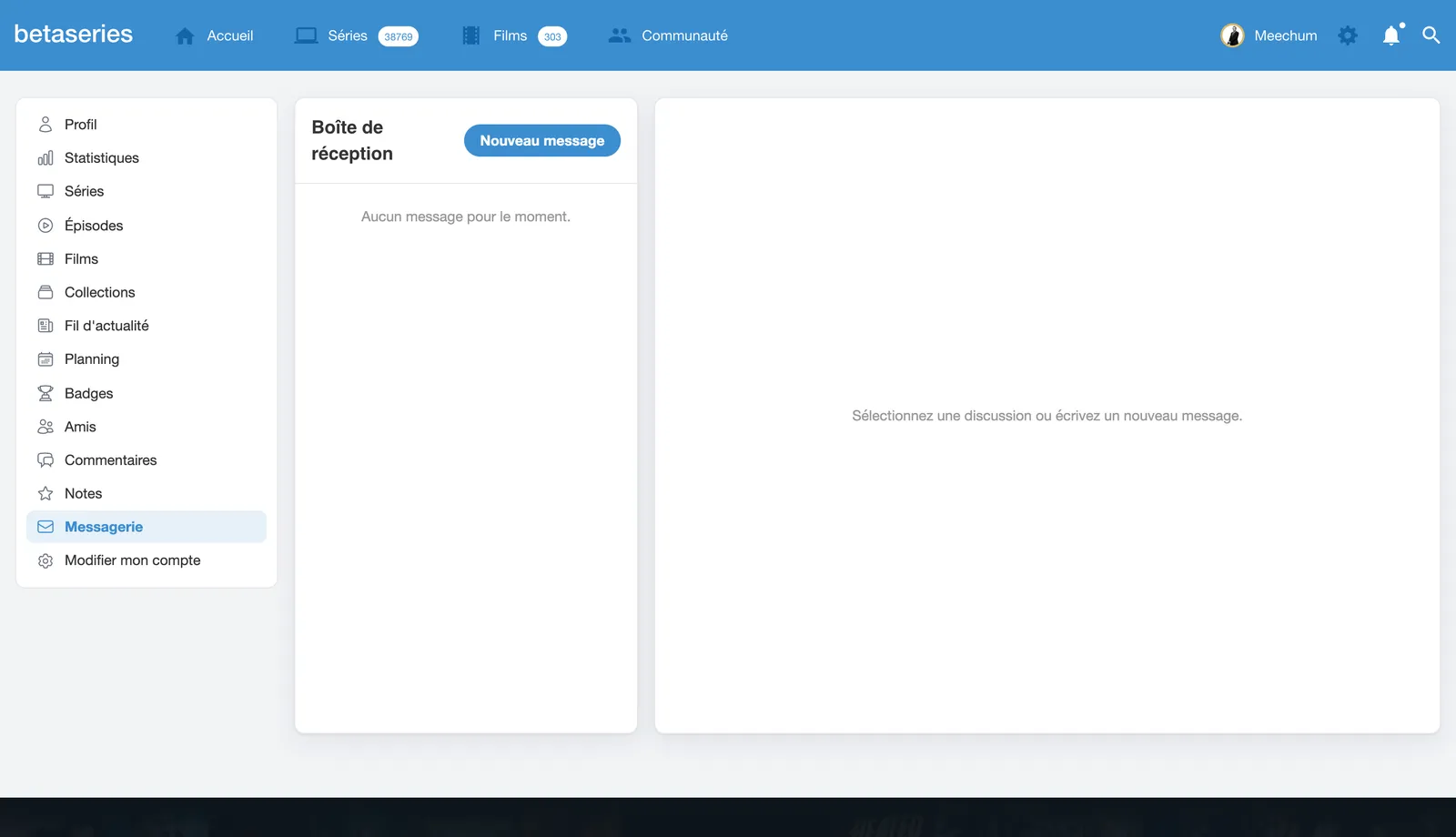
Writing a message
Click New message, type the recipient's username, then enter a title and your message. You can also click Send a message from a member's profile, or from one of their comments.
Note: some members only accept messages from their friends.
The Messages tab at the bottom of the window
When you have unread messages, a Messages tab showing the number of unread messages appears at the bottom of the window, on every page of the site (except on mobile). Click it to browse your conversations and reply without leaving the page, or click Open messages to display the full messaging page. The cross hides the tab: it will only come back when a new message arrives.