How to add images to a show?
Once you're logged in, go to the show's page, scroll to the Photos section and click More to open the gallery.
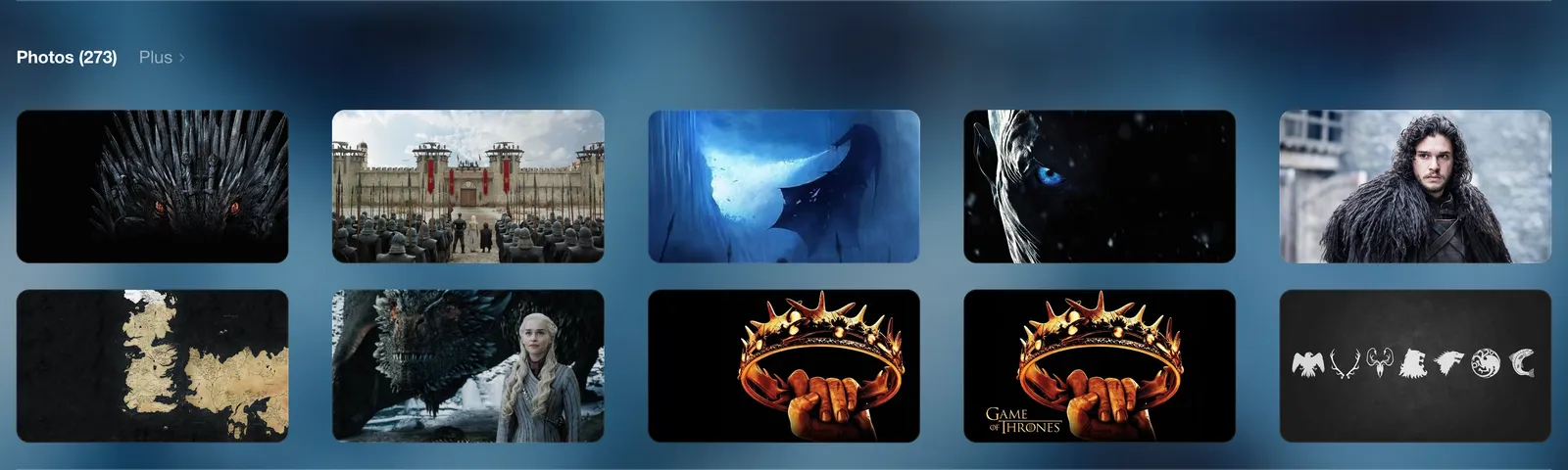
At the bottom of the gallery, the Submit a photo form lets you upload one or more images. If the show doesn't have any image yet, click Suggest the first image directly in the Photos section.
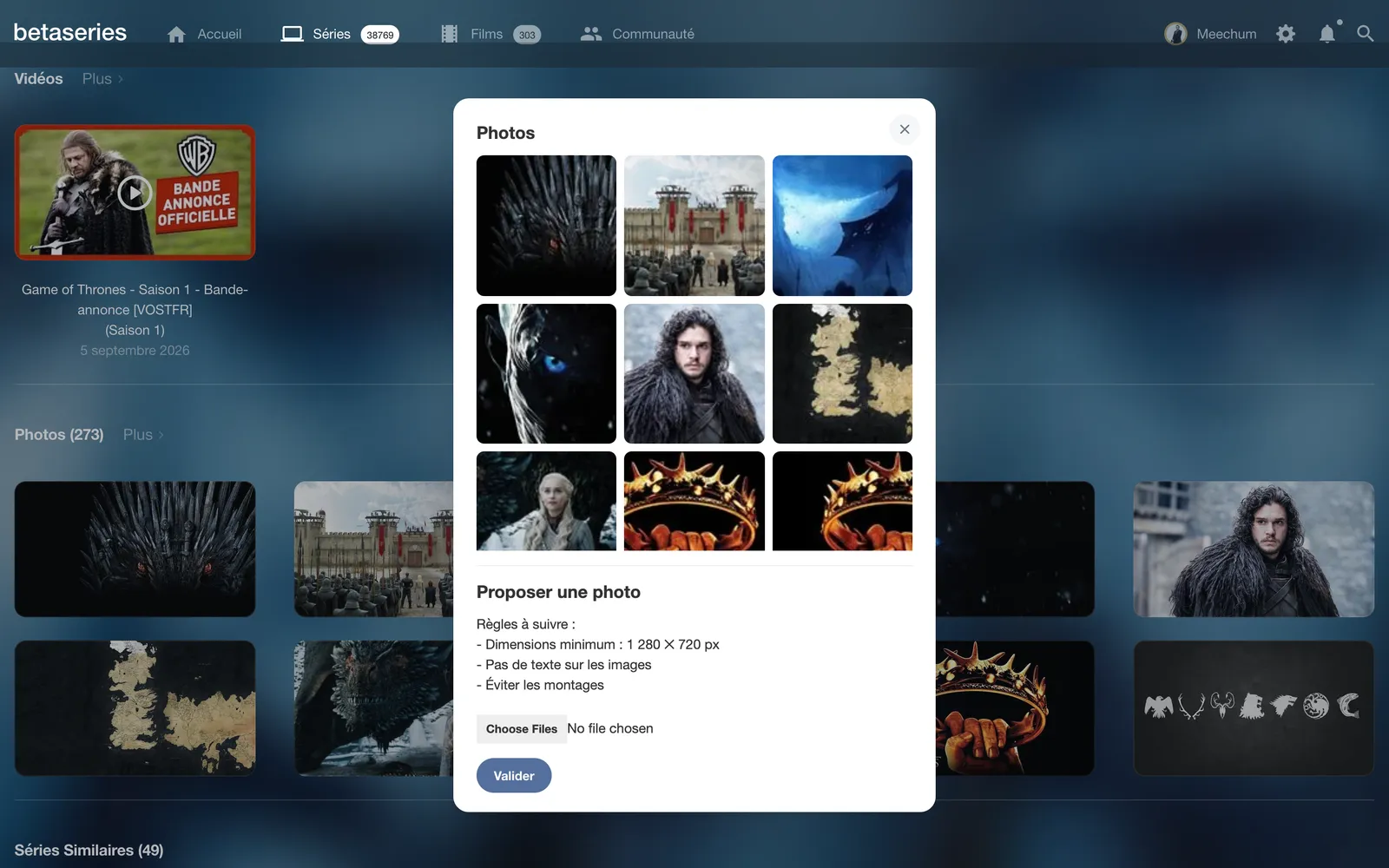
Submitted images are then reviewed by the administrators before being added to the site. Please follow the rules shown in the form:
- Minimum size: 1,280 ✕ 720 px
- No text on the images
- Avoid montages
Also avoid images of poor quality or cluttered with unaesthetic information (channel name, broadcast time, Facebook page address, etc.).
Finally, if you'd like to add a poster, please note that posters are pulled from TheTVDB, where you can therefore add it directly.