How to change my password?
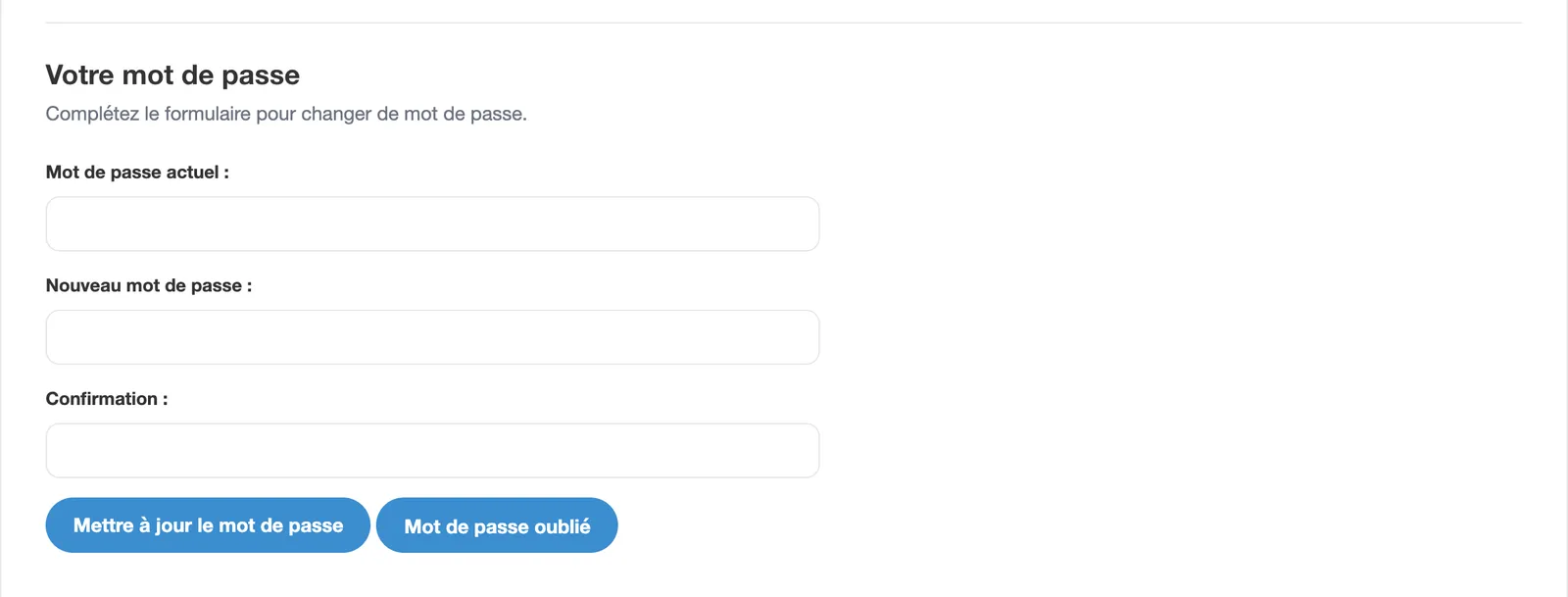
You can change your password in the advanced options of your account, in the "Your password" section: enter your current password, then the new one and its confirmation, and click "Update password". If you no longer know your current password, use the "Forgotten password" button.
On the app, you can do it by going to your account settings via the gear wheel at the top left of your profile.
Note: if you signed up with Facebook, you can also set a password from this section.