How to add my favorite shows and movies to my profile?
On the website, you can choose your favorite shows and movies directly from the Your profile page of your account, in the "Favorite shows" and "Favorite movies" sections: type the beginning of the title, then select it from the list. Each favorite appears as a tag, which you can remove with the cross. You can add up to 16 movies.
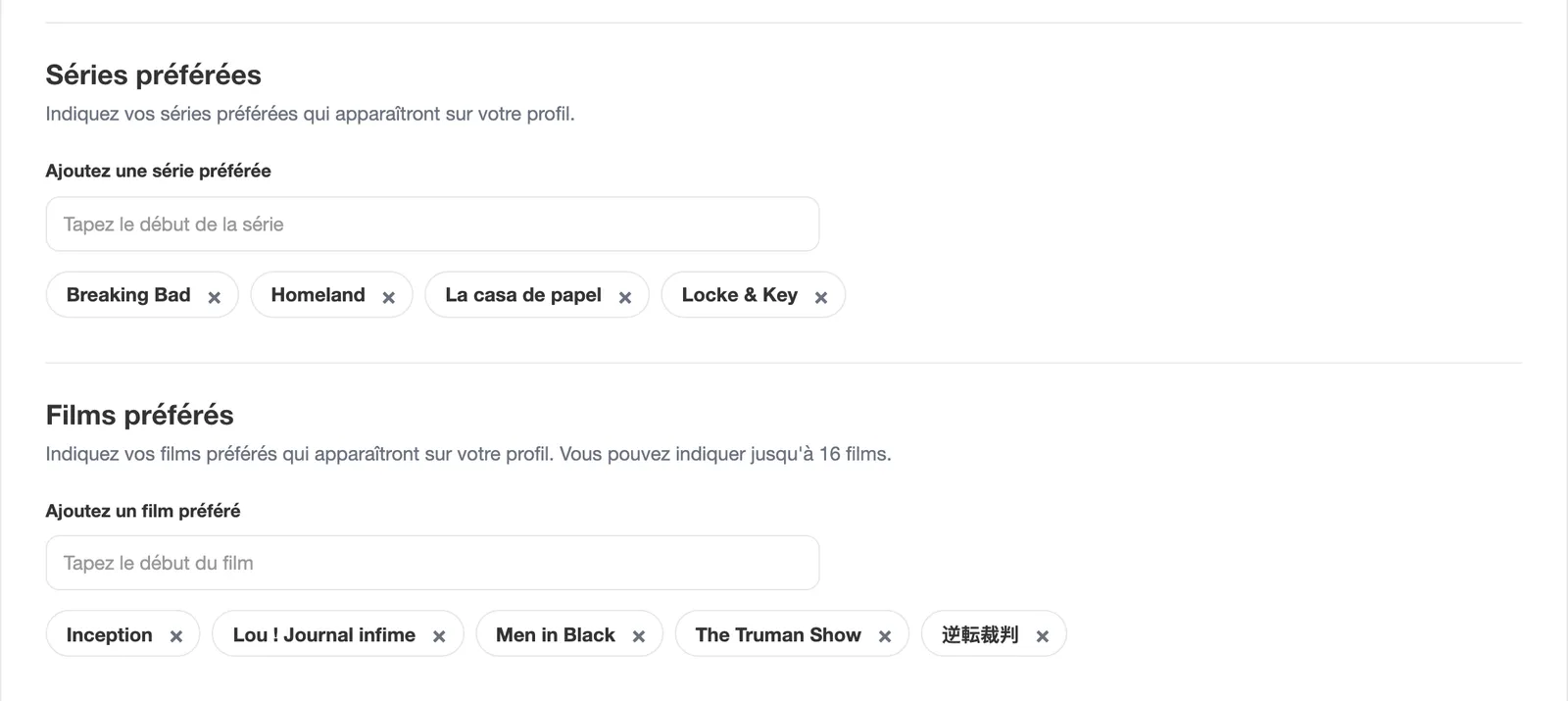
Note: you can only mark as favorites shows and movies that are added to your BetaSeries account.
You can also do it directly from the page of a show or movie that you have already added to your account, by clicking on the "Favorite" button (with a heart).
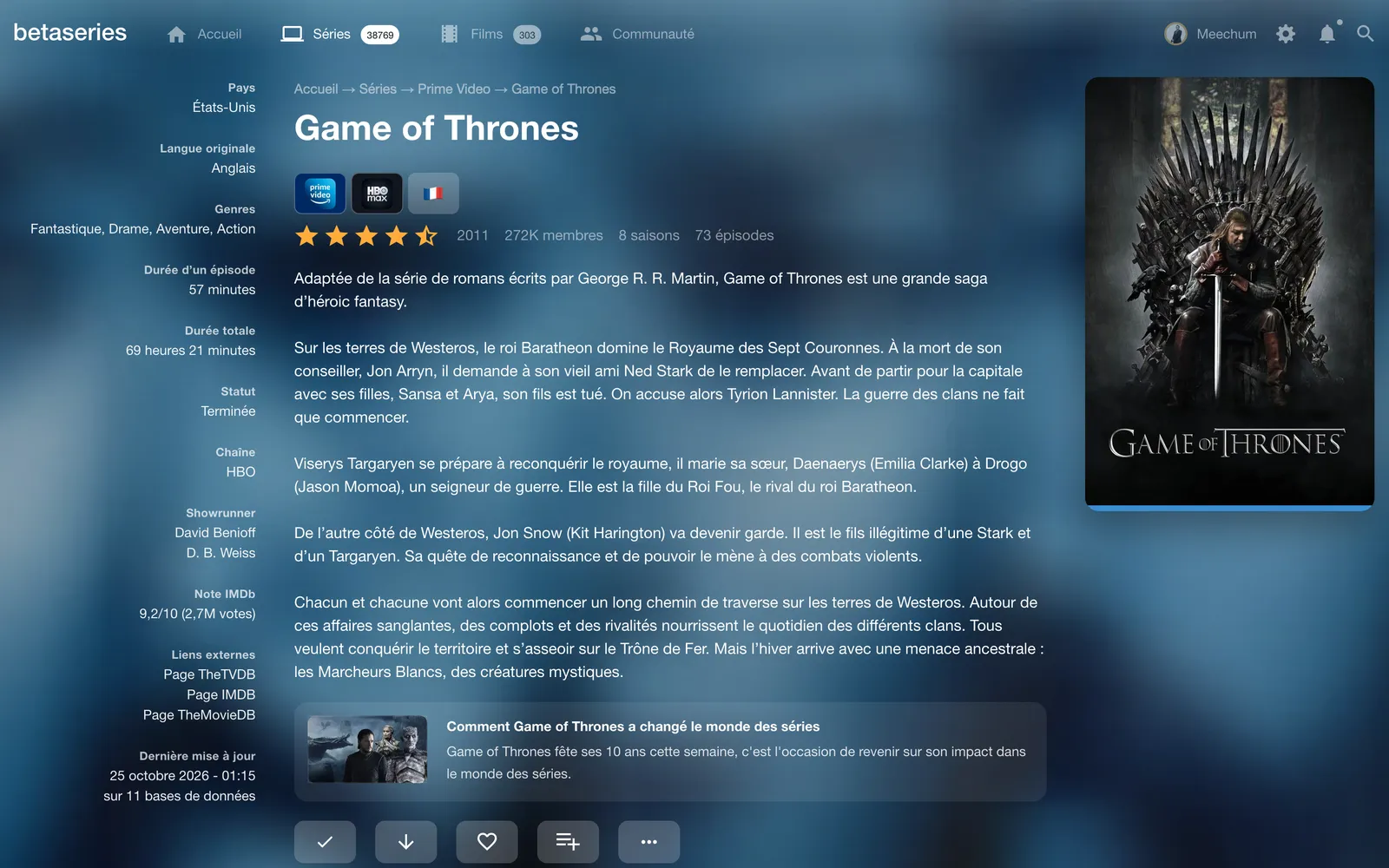
On the app, you'll find the same system and the same button on show and movie pages.