How to share pages or my BetaSeries profile?
- Sharing your watched episodes or movies
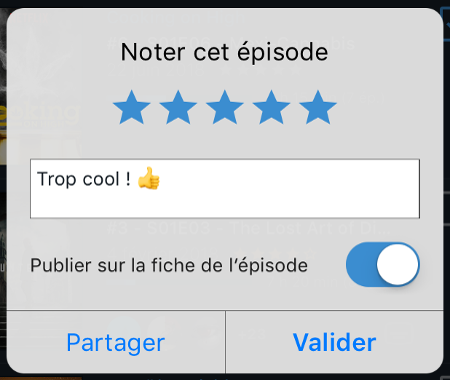
Want to share some watched episodes on Twitter without enabling automatic sharing? Want to share the last movie you watched with your friends on Messenger or WhatsApp? When you mark an episode or a movie as watched, a pop-in will appear, letting you, among other things, share it on all kinds of social networks. To do this, simply tap the Share button (after adding a rating and a comment if you wish) and, depending on the apps installed on your phone, you can share it directly.
- Sharing episode, show, or movie pages and sharing your profile
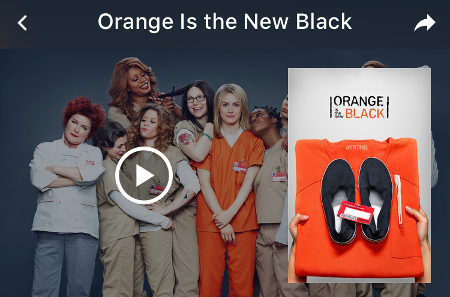
In addition to being able to share your last watched episodes and movies, you can also share episode, show, and movie pages as well as your BetaSeries profile. Have you heard about a new show that seems promising and want to share it? Want to share your list of shows or your statistics with your friends? Nothing could be easier! Just tap the small arrow at the top right of the pages or of your profile, choose your favorite network, and you're all set.