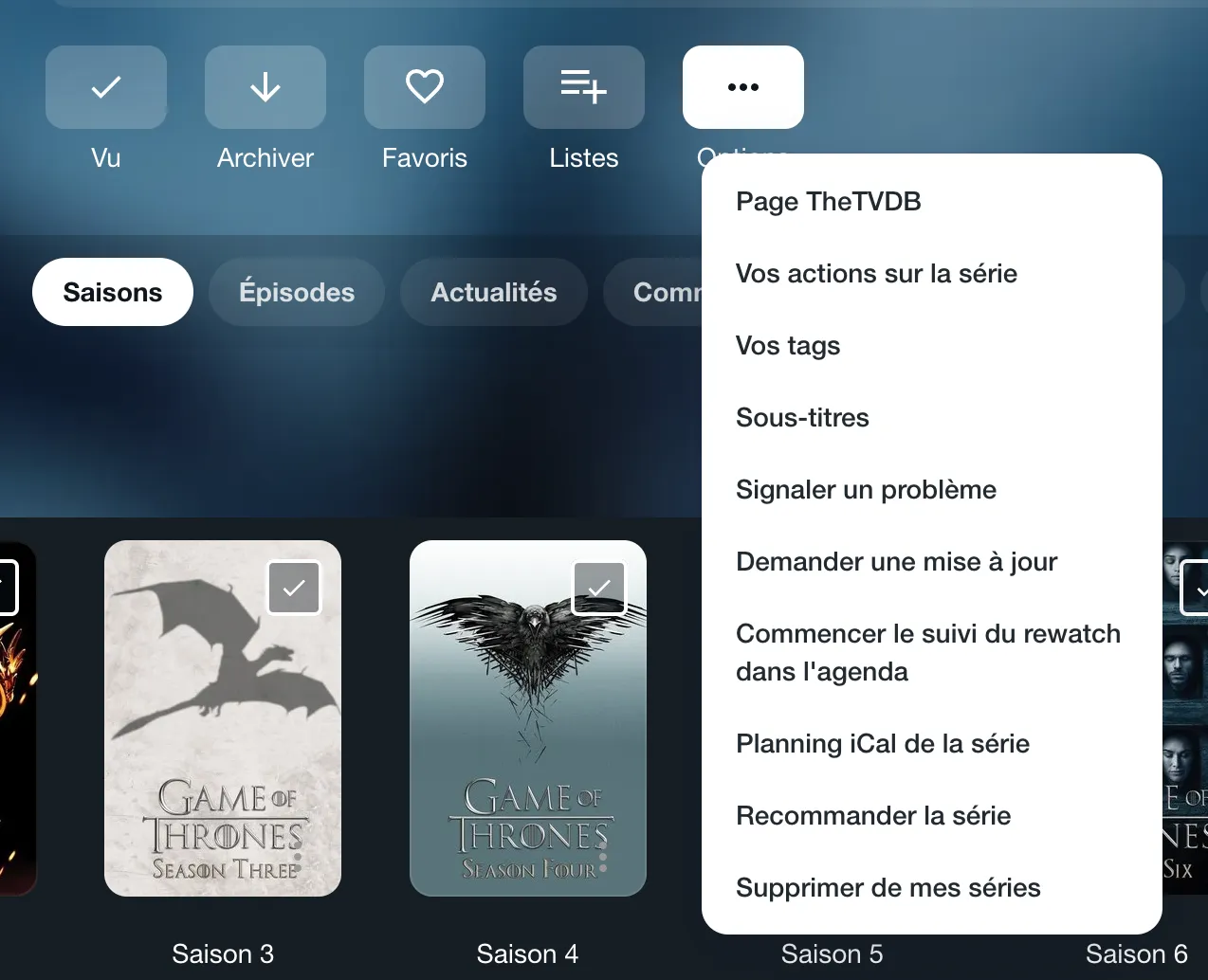
How to access subtitles?
On the Episodes to watch page, the symbol

in the episode's box indicates that subtitles are available. To download them, click on the three small dots in the bottom right corner of the episode: they are listed under "Episode subtitles".
On the page of a show you have added to your account, you will find season subtitles in the "Options" menu, under "Subtitles". For an episode, use the "⋯" menu on its row in the show page's episode list, or the "Options" menu on the episode's page. Then click on the file you want to download it.