How to add my shows to my iCal?
iCalendar (better known as iCal) is the most widely used standard in the world for exchanging calendar data.
It is implemented/supported by a large number of software applications, such as: Apple's iCal, Chandler, Lotus Notes, ScheduleWorld, SOGo, KOrganizer, Mozilla Calendar (including Mozilla Sunbird), Mulberry, Ximian Evolution, Windows Calendar and, via an extension, Microsoft Outlook. It is also supported by the online application Google Calendar.
BetaSeries supports the iCal format, so you can find all the release dates of the episodes you follow right in your favorite calendar application!
Episodes are added in all-day mode, appearing at the very top of each release day.
Where can you find the iCal links?
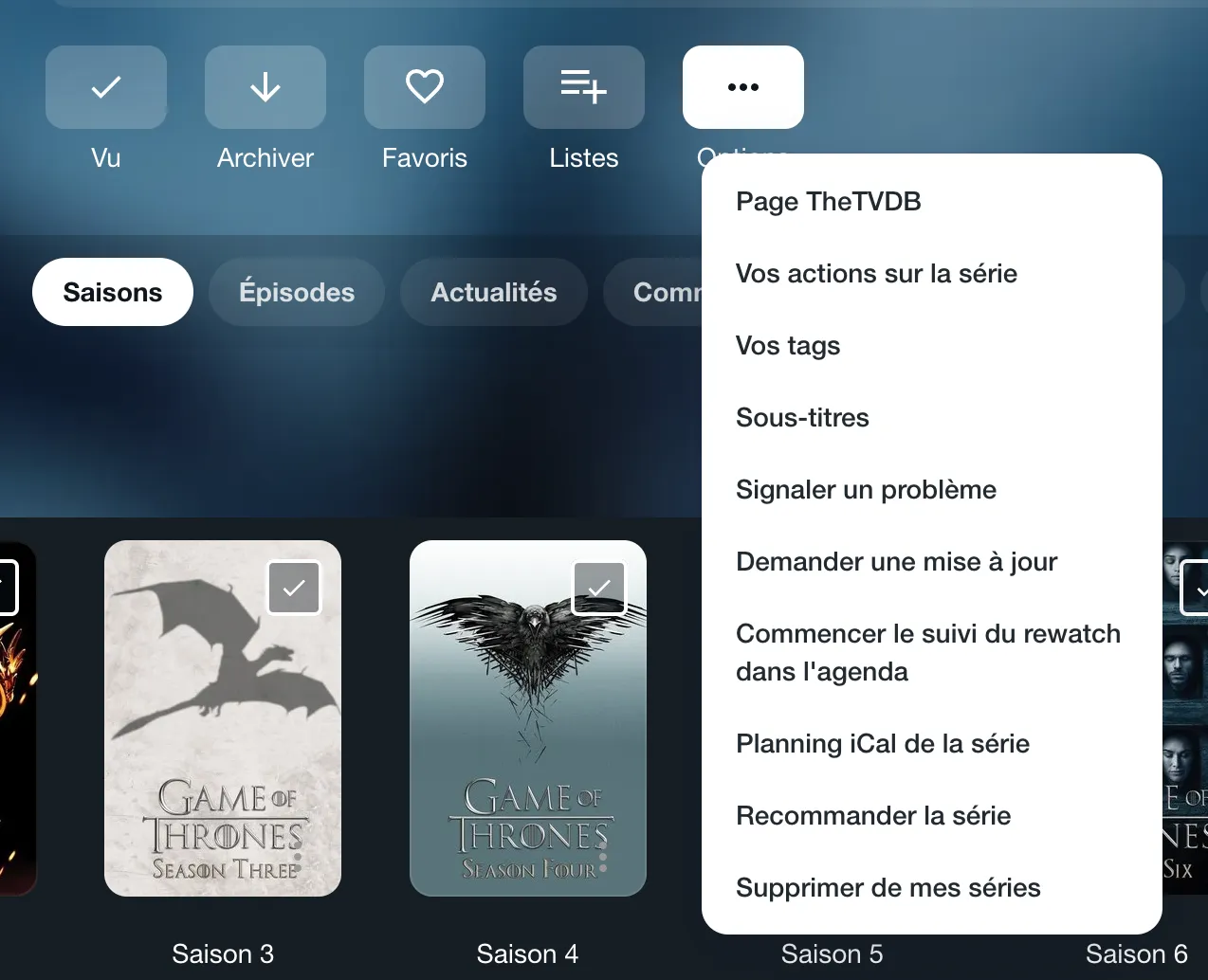
- For a single show: on the page of a show you have added to your account, open the "Options" menu and choose "ICal planning of the show".
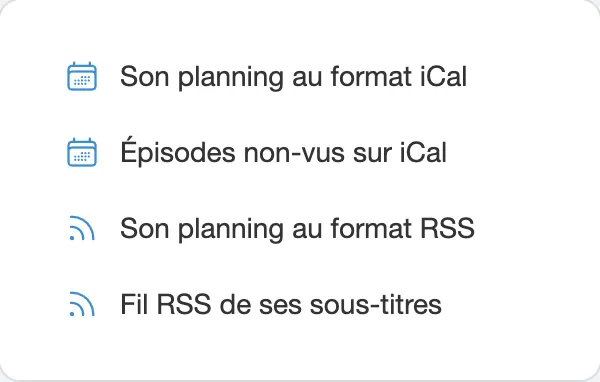
- For all your shows: go to your Planning page; the right column offers "Their planning in iCal format" and "Unwatched episodes on iCal".